
Audacity is a free, open-source audio recording and editing application for Windows, macOS and Linux, released under the GPL.
Rate Audacity
Average 0.0 · ratings: 0
Thank you! Your rating is saved; you can change it. Could not save the rating. Please try again later. Too many ratings from your network today. Please try again tomorrow. The average appears after 5 ratings.
Screenshots
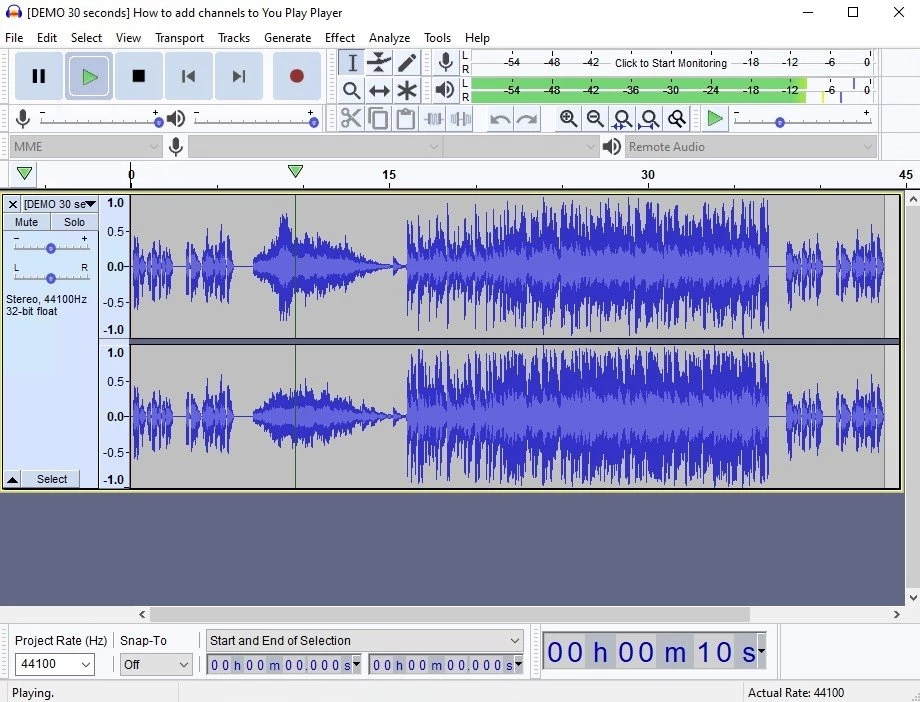
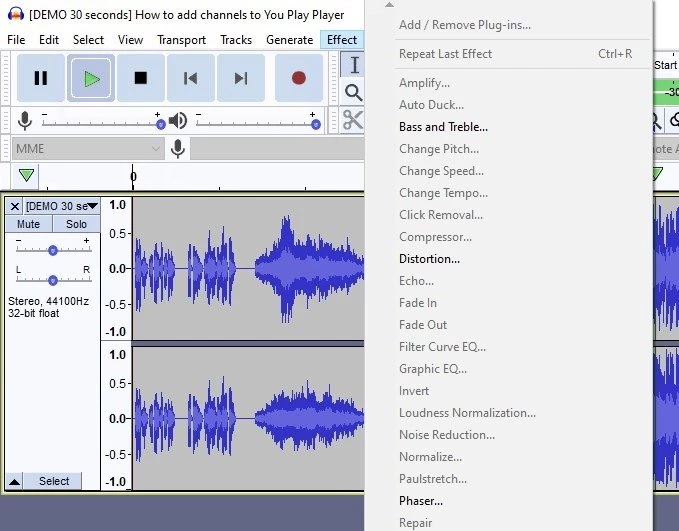
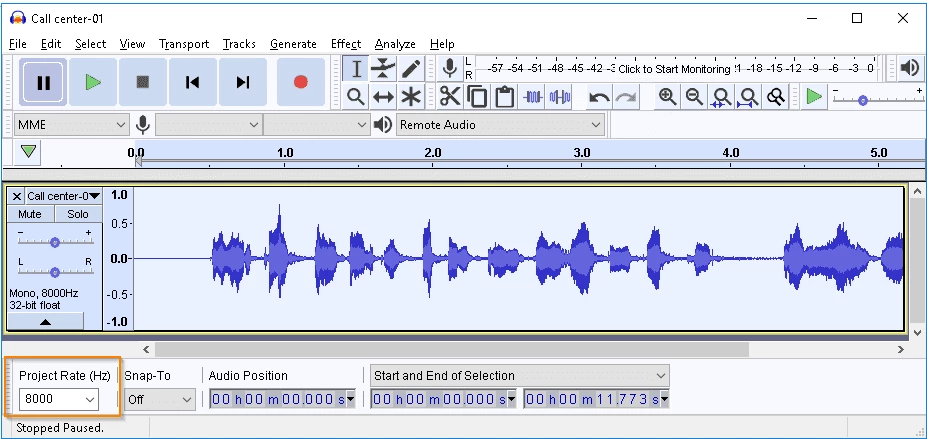
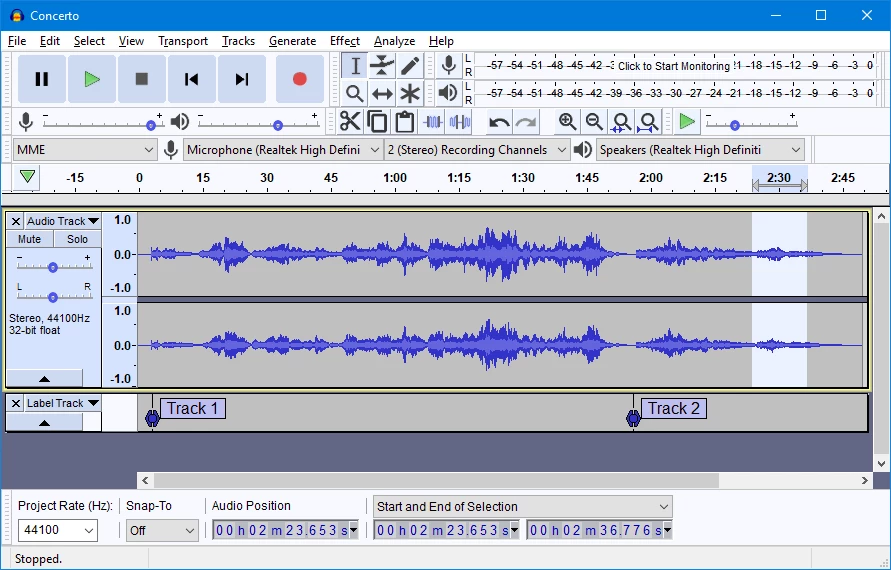
About Audacity
Audacity 4.0.0 for Windows is the free and open-source audio recording and editing application from the Audacity Team, and you can download it from the official audacityteam.org website. It records from a microphone or line input, edits existing audio files and exports them in common formats.
Specifications
| Program | Audacity |
|---|---|
| Version | 4.0.0 |
| Developer | Audacity Team, Muse Group |
| Created by | Roger B. Dannenberg and Dominic Mazzoni |
| First release | May 2000 |
| License | GNU General Public License, version 3.0 |
| Written in | C++ and C |
| Systems | Windows, macOS, Linux |
| Audio depth | 16-bit, 24-bit and 32-bit |
| Size | about 47.2 MB according to catalogue data |
What Audacity is used for
Audacity is a digital audio editor that sits comfortably between a simple voice recorder and a full music studio. Podcasters record interviews and cut out pauses, coughs and mistakes. Musicians capture demos and trim takes. Teachers record lessons, students edit presentations, and hobbyists digitise old tapes and vinyl through a sound card. The interface shows audio as a waveform, so you select a region with the mouse and cut, copy, amplify or fade it. Effects such as noise reduction, equalisation and normalisation help clean up recordings made in ordinary rooms. When the work is done, you export to a common format and share it. The learning curve is gentle for basic edits, while more complex tasks reward reading the manual.
System requirements
According to the official Audacity FAQ, supported Windows versions are Windows 10 and 11, with Vista, 7 and 8.1 believed to work. The project also lists macOS and Linux support, and it converts sample rates and formats with high-quality resampling and dithering.
How to download and install
- Open audacityteam.org and go to the download section.
- Choose the Windows installer.
- Run it and follow the setup steps.
- Open Audacity, pick your microphone in the device toolbar and press Record.
Changes in each release are listed in the official changelog, and the source code is on GitHub.
Safety
Download Audacity only from audacityteam.org. The program is free, so any site asking you to pay for it or offering a "pro" edition is not official. If you add plug-ins, get them from their developers' own pages.
Price
Audacity costs nothing and has no paid tier; the GPL allows free use for any purpose.
Pros and cons
- Pro: free and open source with no watermarks or limits.
- Pro: light enough for modest laptops.
- Con: edits are less flexible than in a full music workstation.
- Con: the interface feels technical to beginners.
Tips for better recordings
Record a few seconds of silence first so noise reduction has a sample to learn from. Keep the input level so the loudest parts stay below the top of the meter, and save the project before applying effects.